
New World Scheduler Congregation Sharing is a feature that automatically shares and synchronizes data between approved brothers, allowing all appointed brothers to quickly and easily keep up-to-date with what is happening in the congregation.
The Sharing Log records all data that was Sent, Received and synchronized in the last 1 month. It can be helpful when investigating sharing problems, or checking who changed certain data.
To access Congregation Sharing Logs, click Congregation > Congregation Sharing > Sharing Logs
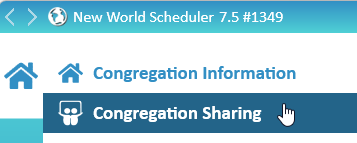
- Note: The Sharing Logs screen is only available after you have Enabled and Setup Congregation Sharing
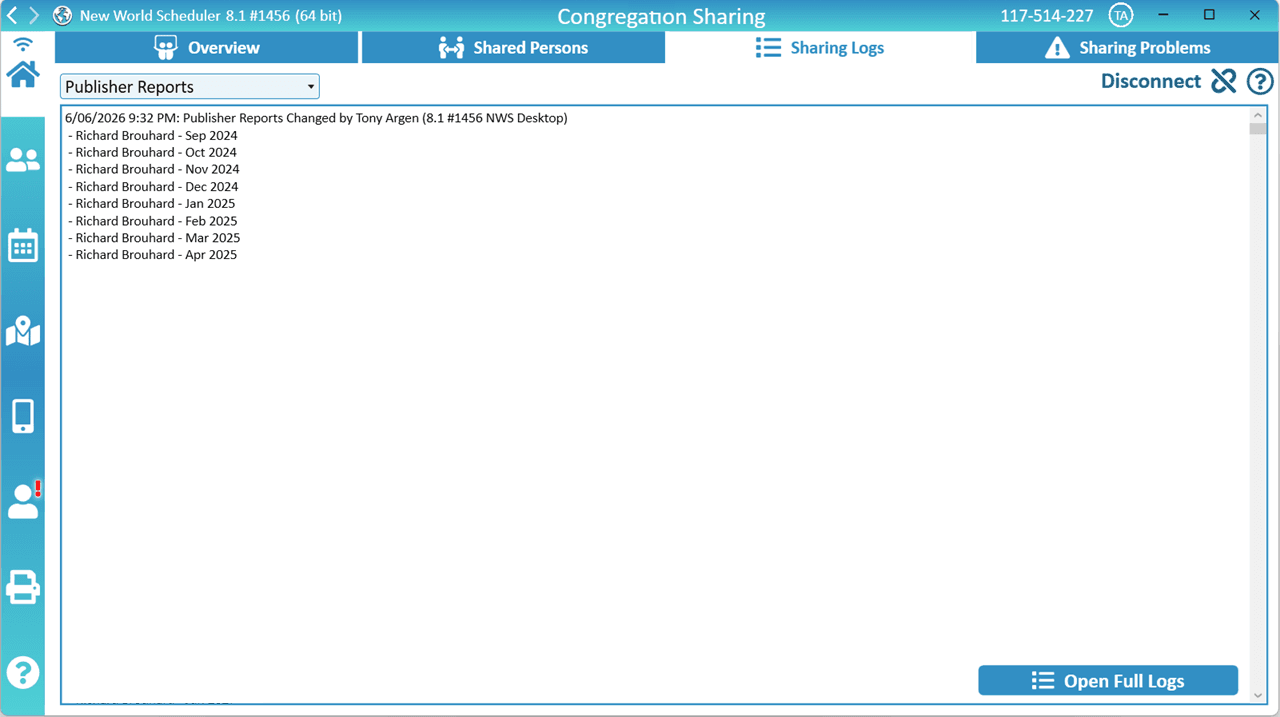
Sharing Logs
- Select the Data Type
- E.G. Publisher Reports
- Click Download
- The recent Sharing Logs will be shown (limited to 20,000 characters). This is usually enough to locate any problems.
- If needed, click Open Full Logs. This will show all the logs as a text file that can be saved.
Sharing Problems
If the Sharing Logs have identified a problem with your data, please see Congregation Sharing Problems.