
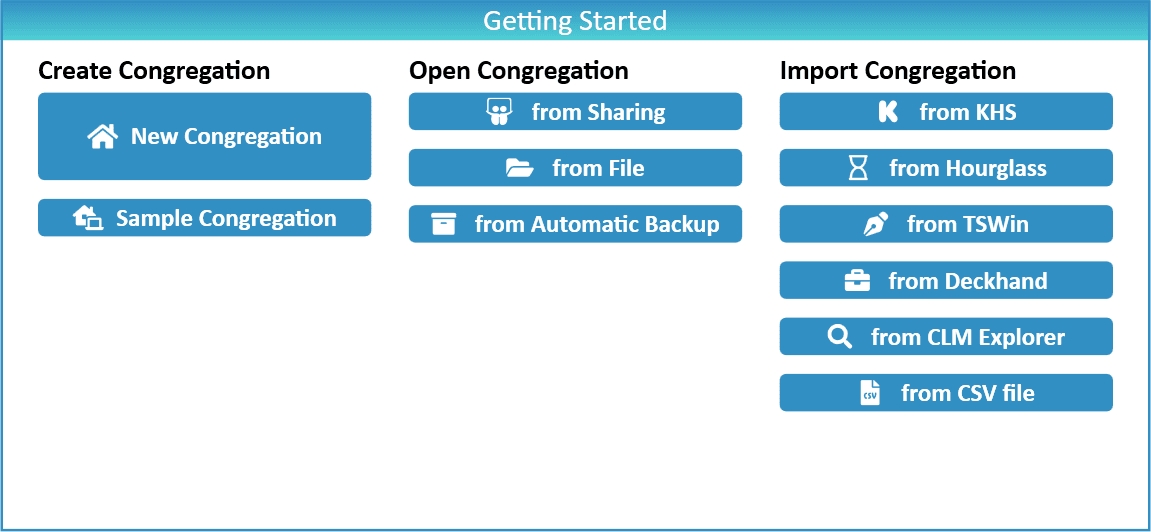
To use New World Scheduler, you must first either Create a Congregation, Open a Congregation or Import a Congregation.
New Congregation
At this time, New Congregations can only be created with NWS Desktop.
If you are the first person in your congregation to start using New World Scheduler and want to immediately get started with real data, you should Create a New Congregation.
- Note: If another brother in your Congregation has already created a New World Scheduler Congregation, or you wish to open NWS on another device, you should Open Congregation.
To Create a New Congregation:
- Click the New Congregation button
- You will automatically be allocated a unqiue Congregation ID and can begin entering your data
Sample Congregation
If you are the first person in your congregation to start using New World Scheduler, and would like to see how New World Scheduler works, you could choose Sample Congregation. This will generate a Sample Congregation and allow you to explore New World Scheduler with randomly generated sample data.
- Note: Later you must Delete the Sample Congregation and create your real congregation.
- Note: NWS Desktop and NWS Mobile only support having one congregation open at a time. If there is already a congregation open on your device, please first Delete Congregation.
Backup and Restore
We strongly recommend you are familiar with how to Backup and Restore your data before you start using New World Scheduler.
Please see Backup or Restore Data